๐Ÿธ FillFrog POS

The POS that runs
in your browser.

No hardware. No installations. No monthly fees. Just open pos.fillfrog.com on any device and start selling โ€” convenience stores, gas stations, and liquor stores love it.

๐Ÿ’š
100% free to use Set a processing fee per product โ€” your customers cover the cost.
๐Ÿ”’ pos.fillfrog.com
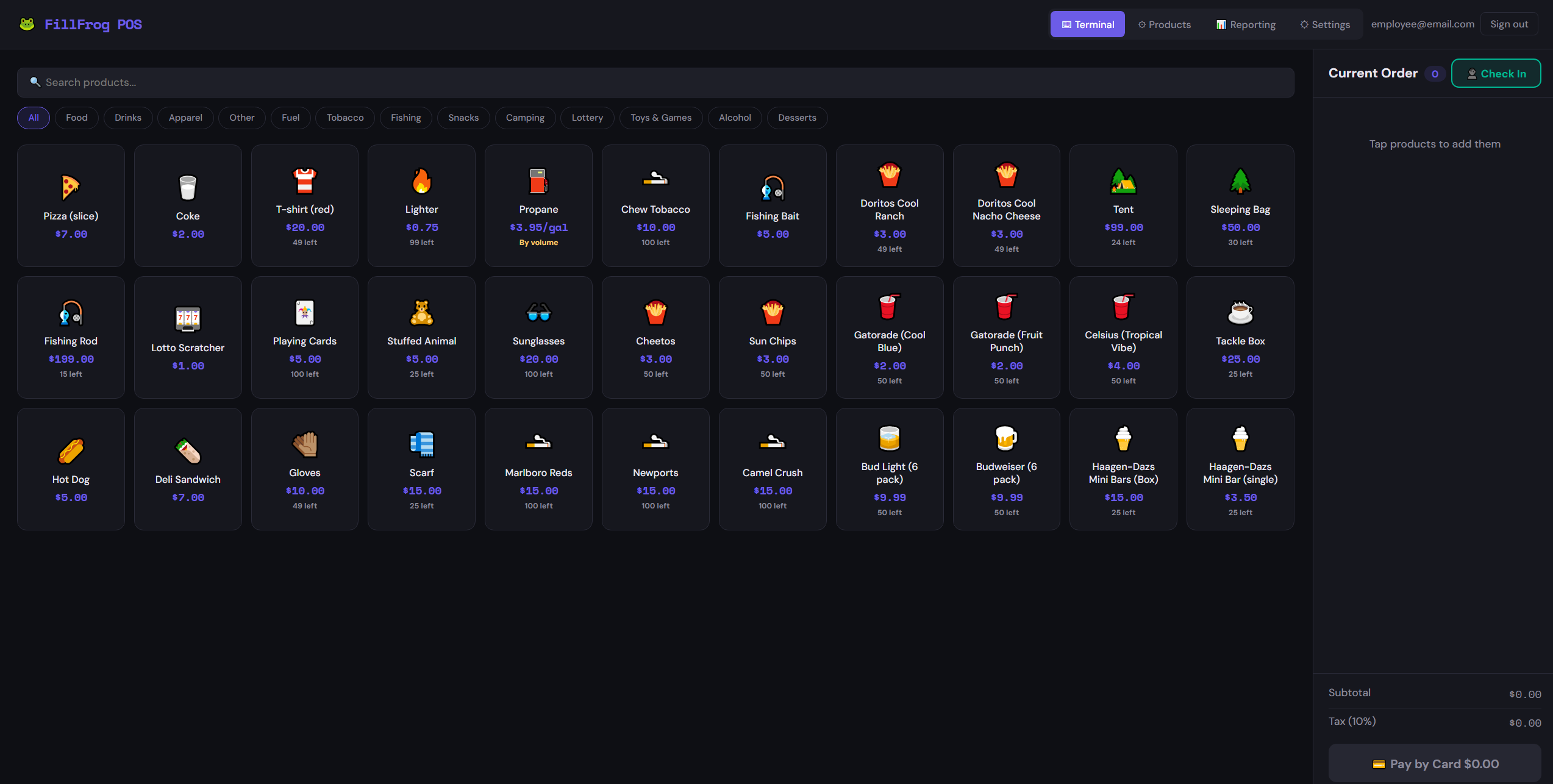
FillFrog POS Terminal โ€” product grid
Inventory Tracking
Volume Pricing
Z-Reports
Cashier PINs
Cash & Card
Team Permissions
Audit Logging
Custom Categories
Hardware Terminal
Product Sales Reports
Dark & Light Themes
OTP Sign-In

Built for the way retail actually works.

Every feature in FillFrog POS was designed around real convenience store, gas station, and liquor store workflows.

๐Ÿ“ฆ
Real-time Inventory
Track stock levels live as you sell. Every product shows units remaining right on the terminal. Supports both unit-based and volume-based pricing for fuel and bulk items.
Live stockVolume support
๐Ÿ‘ฅ
Team & Cashier Management
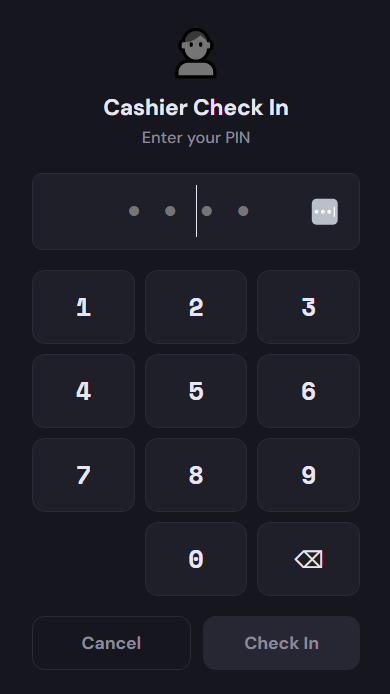
Create team members with their own 4-digit PIN. Every transaction is attributed to the cashier who processed it, giving you complete accountability at a glance.
Role-basedPIN check-in
๐Ÿ“Š
Z-Reports & Analytics
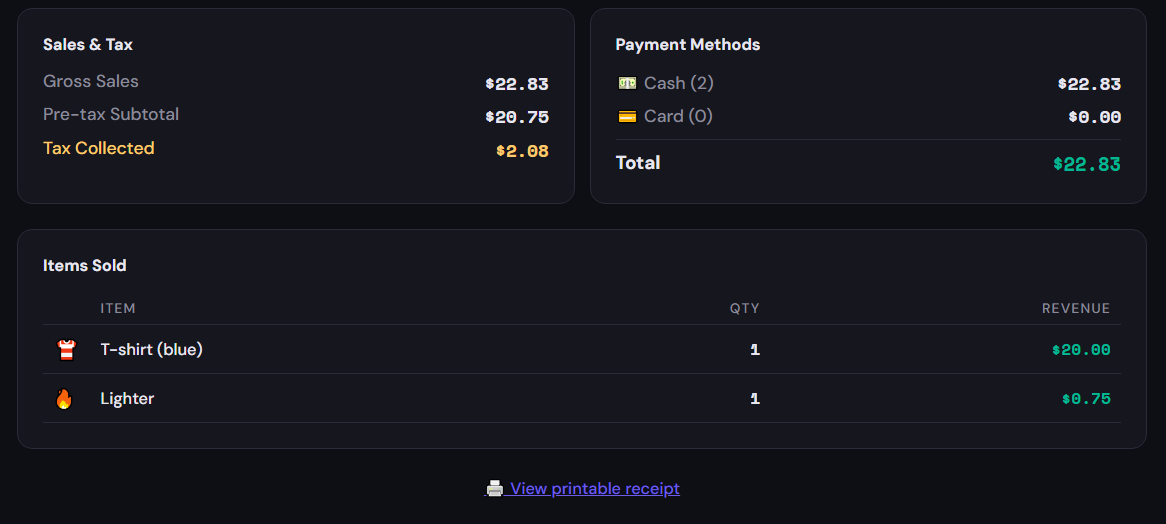
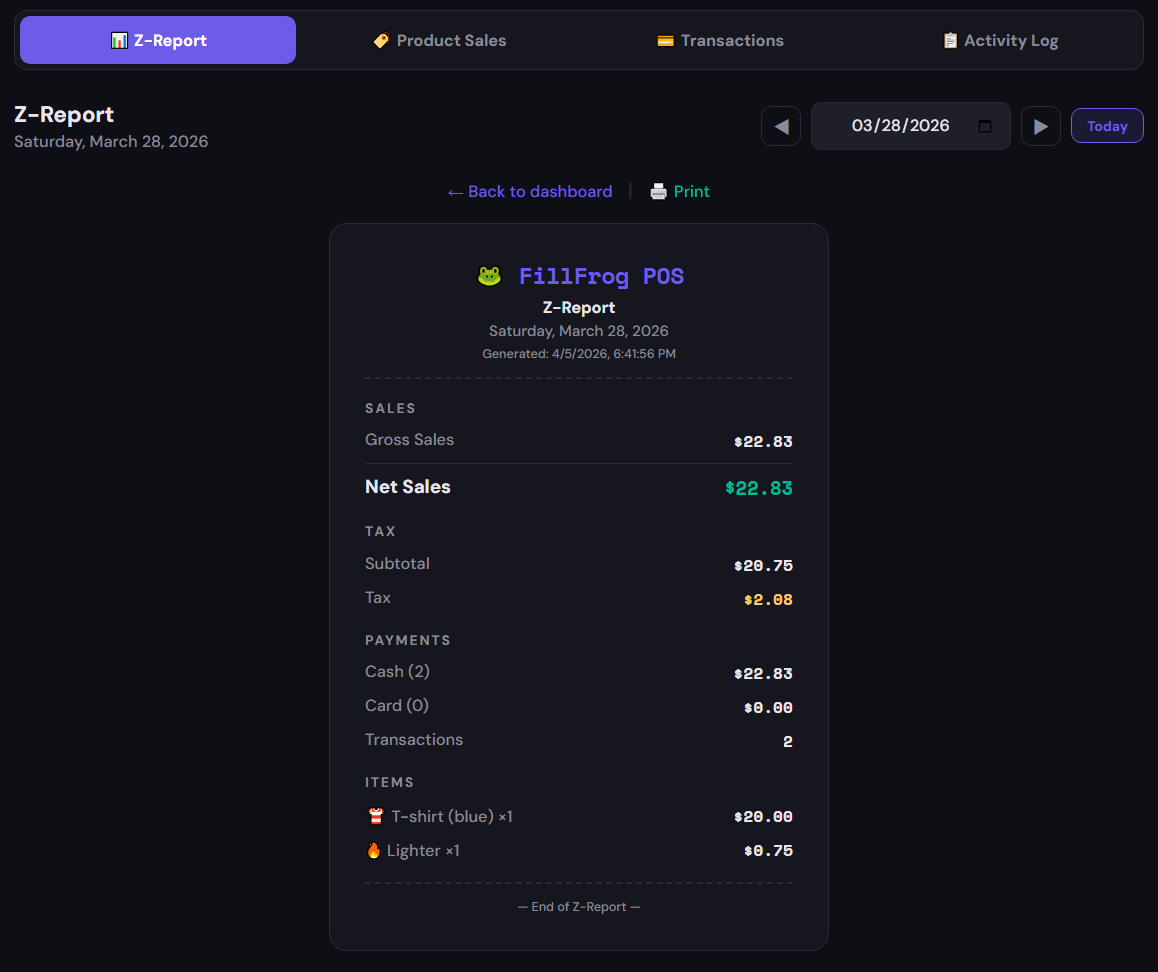
Daily Z-Reports show gross sales, tax collected, payment breakdown, and items sold. Navigate by date and print a receipt-style report for your records.
Daily reportsPrintable
๐Ÿท๏ธ
Custom Categories
Organize your product catalog with fully custom categories โ€” Food, Drinks, Tobacco, Fuel, Fishing, Lottery, Camping, and anything else your store carries.
Fully customQuick filtering
๐Ÿ’ณ
Cash & Card Payments
Accept cash with change calculation and process credit card payments through your PaidYET terminal. Send transactions wirelessly to your physical card reader with one tap.
CashCard terminal
๐Ÿ”
Passwordless Sign-In
No passwords to manage or reset. Enter your email and receive a one-time code instantly. Secure, fast, and friction-free for every team member.
Email OTPNo passwords
๐Ÿงพ
Full Audit Logging
Every action is logged and timestamped โ€” check-ins, sales, voids, price changes, and more. The Activity Log gives managers a searchable, complete trail of everything.
Event logSearchableTimestamped
๐ŸŒ—
Dark & Light Themes
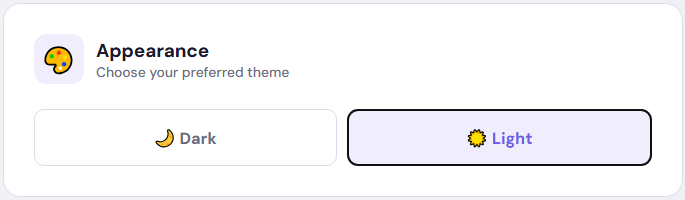
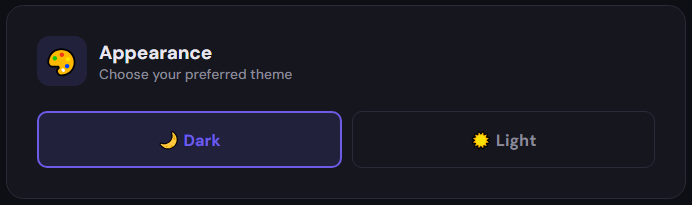
A polished dark mode for low-light environments and a clean light mode for bright counters. Each team member saves their own preference.
Dark modeLight mode
๐Ÿ”
Transaction History
Browse and search detailed historical transactions by date, cashier, or amount. Every sale, every item, fully indexed and queryable whenever you need it.
SearchableFull history

See it in action.

Every screen, built for speed and clarity โ€” whether you're ringing up a lighter or closing out the day.

FillFrog POS Terminal
POS Terminal โ€” browse categories, tap to add, check out instantly
Cashier PIN Check-In
Cashier Check-In โ€” secure 4-digit PIN per team member
Z-Report Dashboard
Z-Report Dashboard โ€” daily sales, tax, and payment breakdown
Printable Z-Report
Printable Z-Report โ€” clean receipt format for your records
Light Mode
โ˜€๏ธ Light mode โ€” clean and bright for well-lit counters
Dark Mode
๐ŸŒ™ Dark mode โ€” easy on the eyes during late-night shifts
โœฆ Pricing
$0 / month

FillFrog POS is completely free to use. There are no monthly fees, no seat charges, and no hidden costs. You keep your money.

Credit card processing fees are covered by your customers, not you. In your product settings, you can set a processing fee โ€” a small surcharge added at checkout โ€” so the cost of accepting cards is passed to the buyer. Your margin stays intact.

โœ“
No monthly subscription. Use FillFrog POS indefinitely at no cost.
โœ“
Customer-paid processing fees. Set a fee per product that's added at checkout โ€” card costs are covered by the buyer.
โœ“
Unlimited products & transactions. No caps, no tiers, no upsells.
โœ“
Full feature access from day one. Every feature โ€” reporting, audit logs, team management โ€” included at no charge.
FillFrog POS
Free
forever
Monthly fee$0.00
Setup cost$0.00
Product limitUnlimited
Cashier accountsUnlimited
Z-Reportsโœ“
Audit Loggingโœ“
Card + Cashโœ“
Dark / Light themeโœ“
๐Ÿค Powered by PaidYET

Start accepting credit cards in minutes.

We've partnered with PaidYET to handle all credit card processing for FillFrog POS. PaidYET is a secure, merchant-grade payment platform that gets you up and running fast. Follow these three steps to activate card payments:

1
Sign up for a PaidYET Merchant Account
Create your free PaidYET account using FillFrog's merchant referral link:
dashboard.payfachub.com/paymentapp/getpaid/tdooaml6 โ†’
2
Generate your API Key
Log into your PaidYET dashboard and navigate to Settings โ†’ Developer tab. Create a new API Key โ€” this is what connects your PaidYET account to FillFrog POS.
3
Paste your API Key into FillFrog Settings
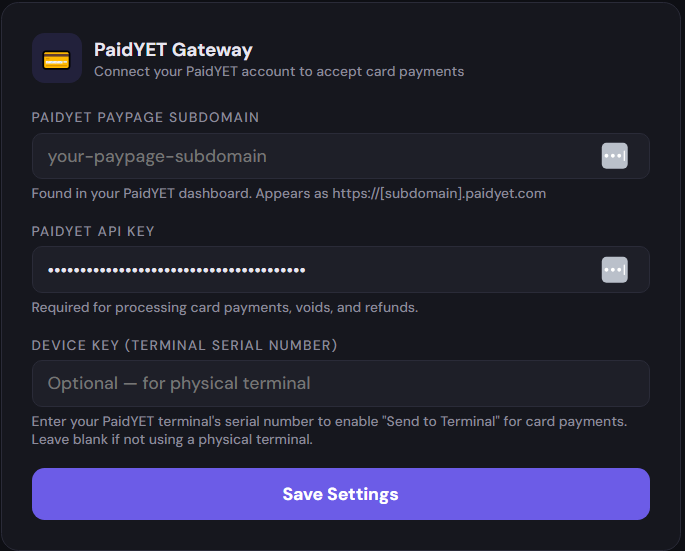
In FillFrog POS, go to Settings โ†’ PaidYET Gateway. Enter your PaidYET Paypage subdomain and paste your API Key into the field shown below, then click Save Settings. You're ready to process card payments. Optionally, enter your terminal's Device Key (serial number) to enable "Send to Terminal" for physical card readers.
PaidYET Gateway Settings in FillFrog POS

The PaidYET Gateway settings screen in FillFrog POS

Your browser is your
new point of sale.

Enter your email, get a one-time code, and you're selling in minutes. No credit card required โ€” FillFrog POS is free to use.